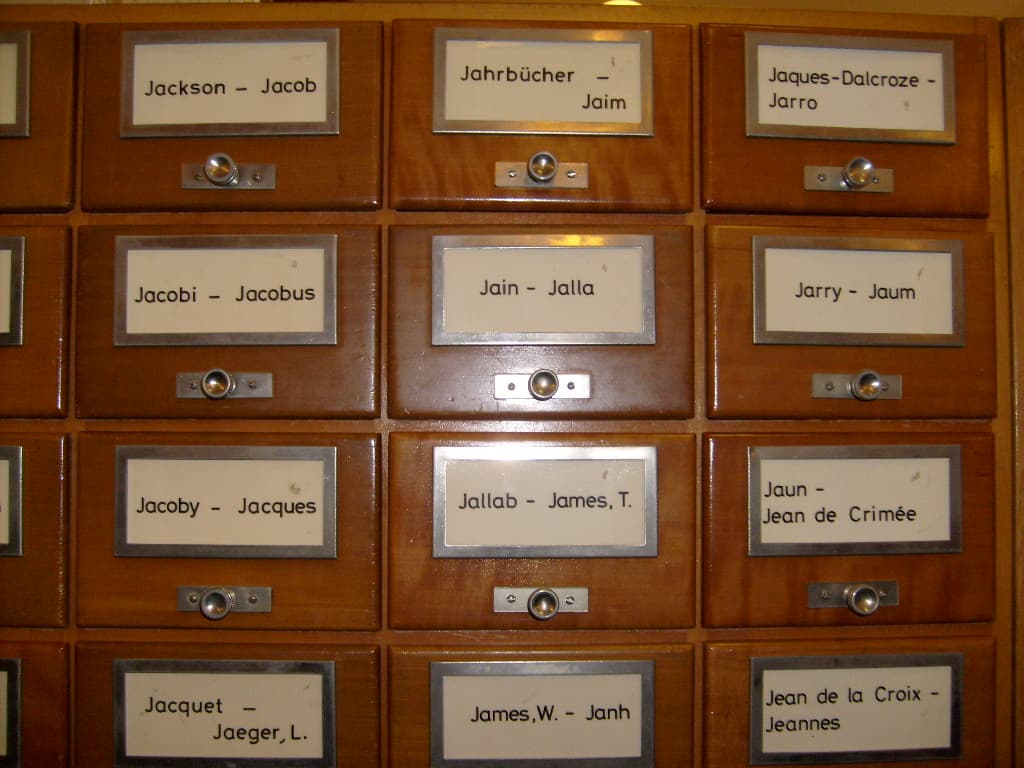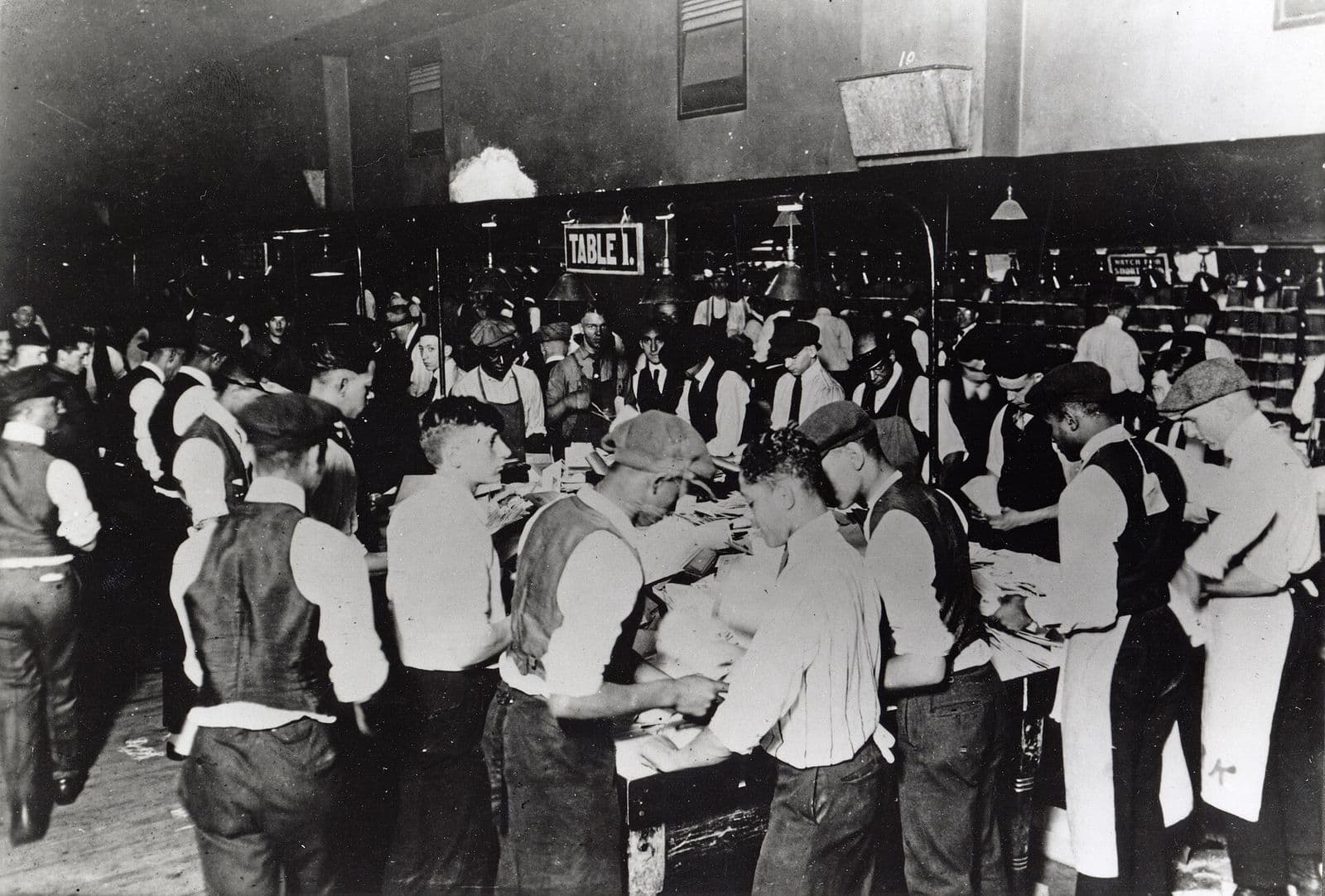
Show a few. It learns what to do.
Upload a handful of the documents you receive. They can look different from each other.
Just a moment…
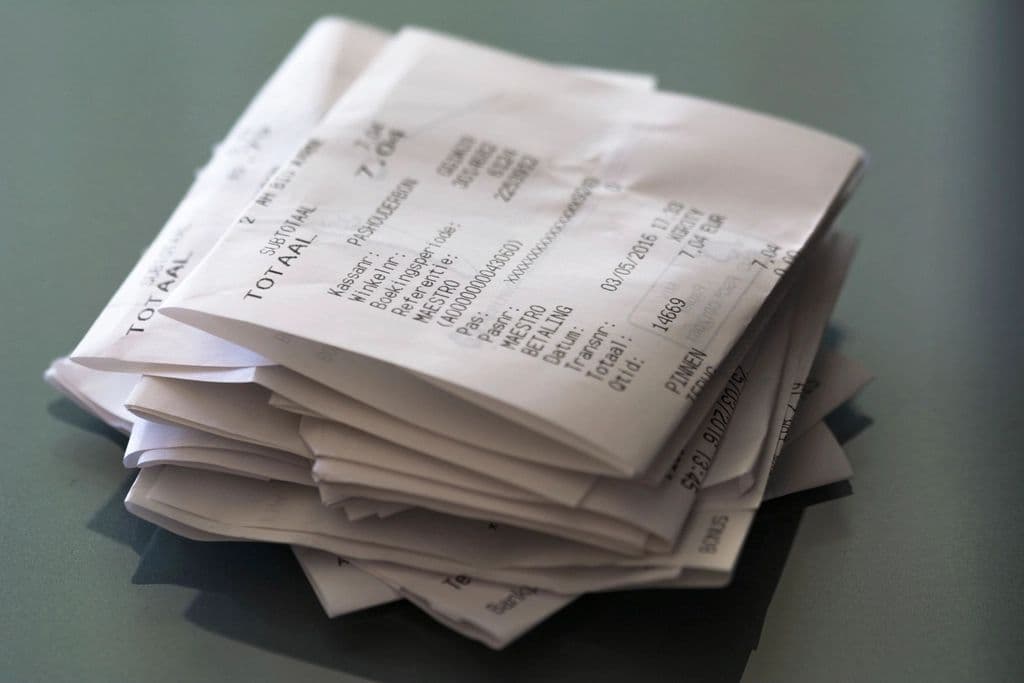
Syruss reads your receipts, invoices, forms and any other documents, keeps every file safe, and sends the details to the systems you already use.
Upload a handful of the documents you receive. They can look different from each other.
Syruss suggests the details to pull out, such as the date, the supplier and the total. You tick what you want.
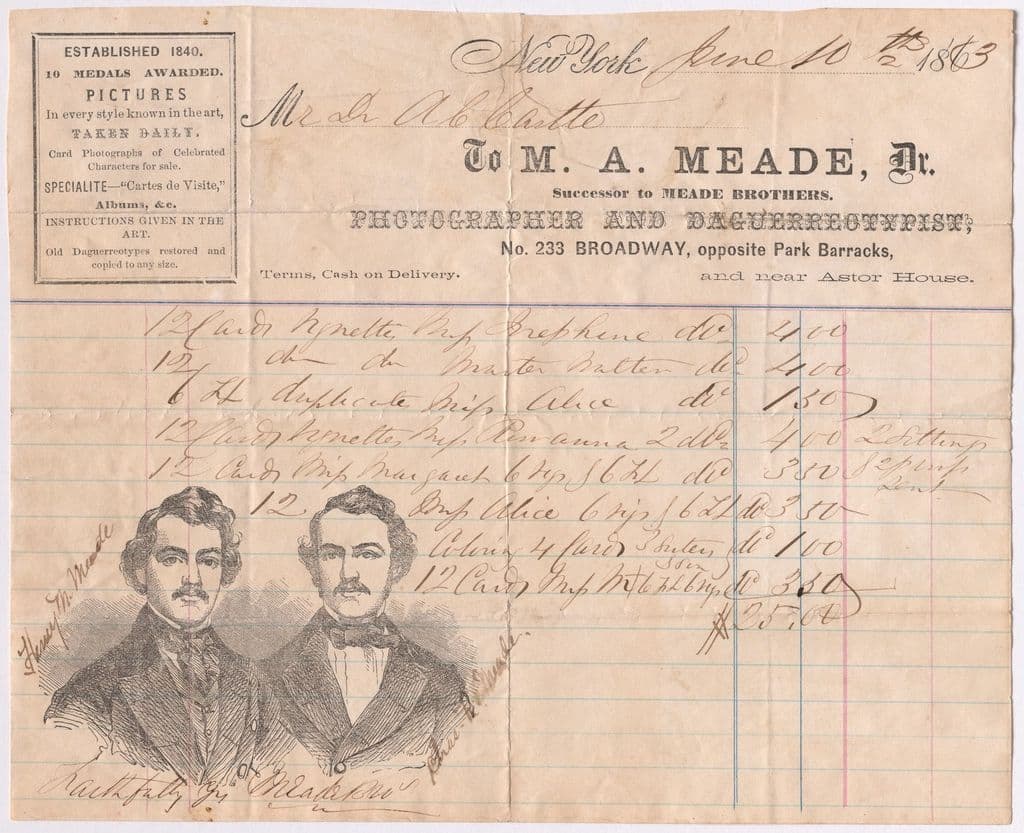
New documents are read the day they arrive. If something looks wrong, it asks you instead of guessing.
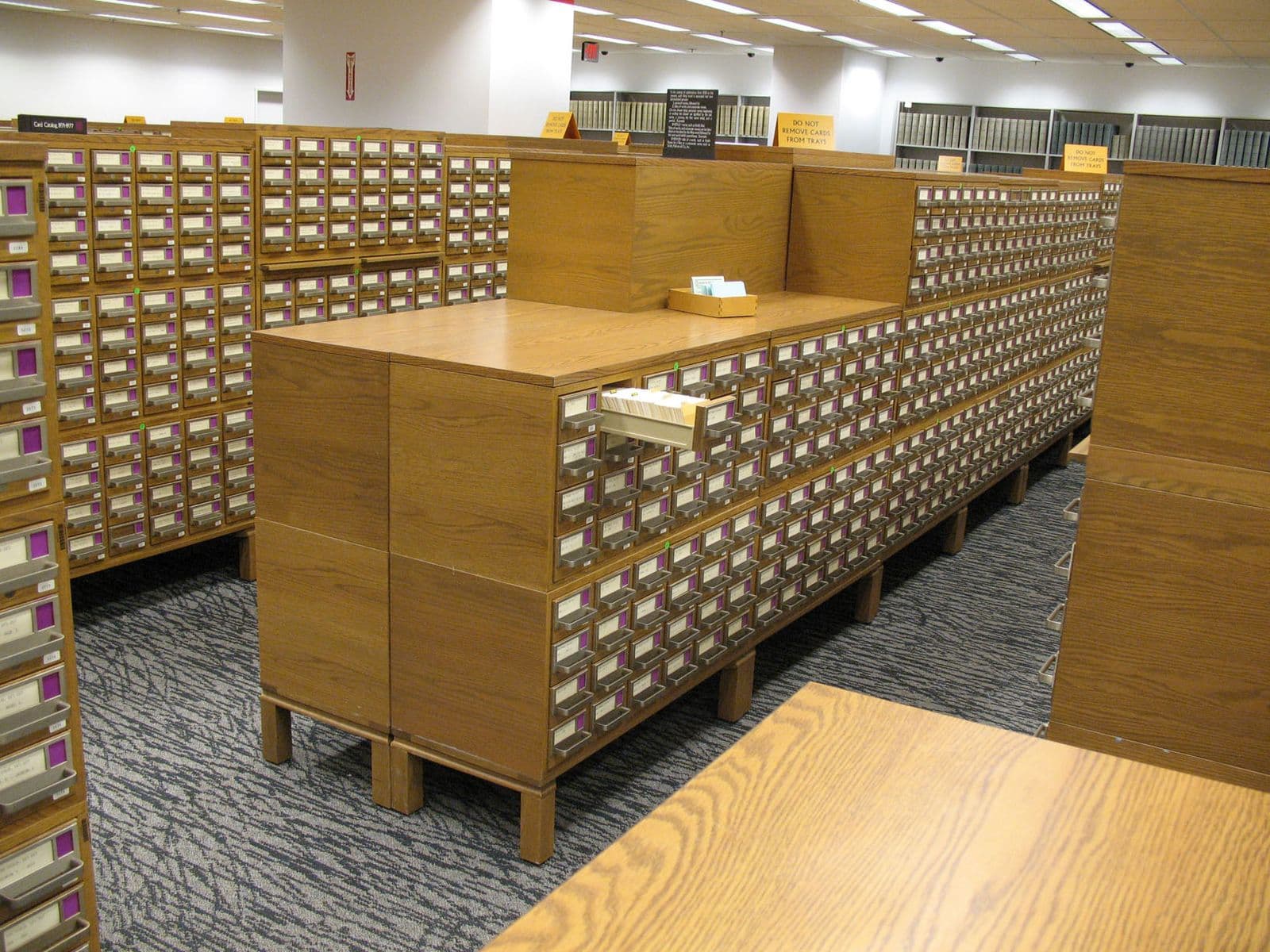
Every document is saved, and the details go on to the systems you already use, automatically.
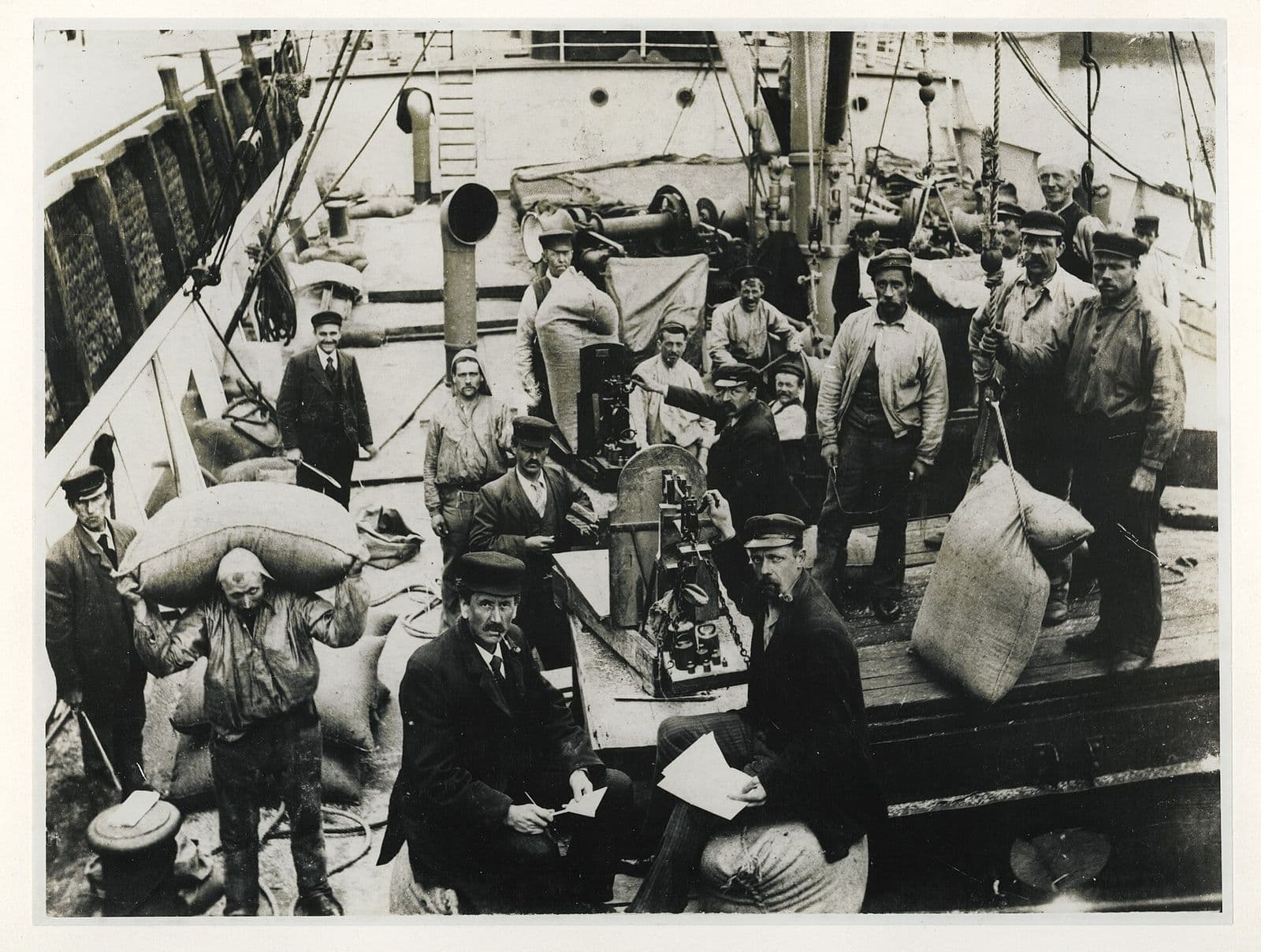
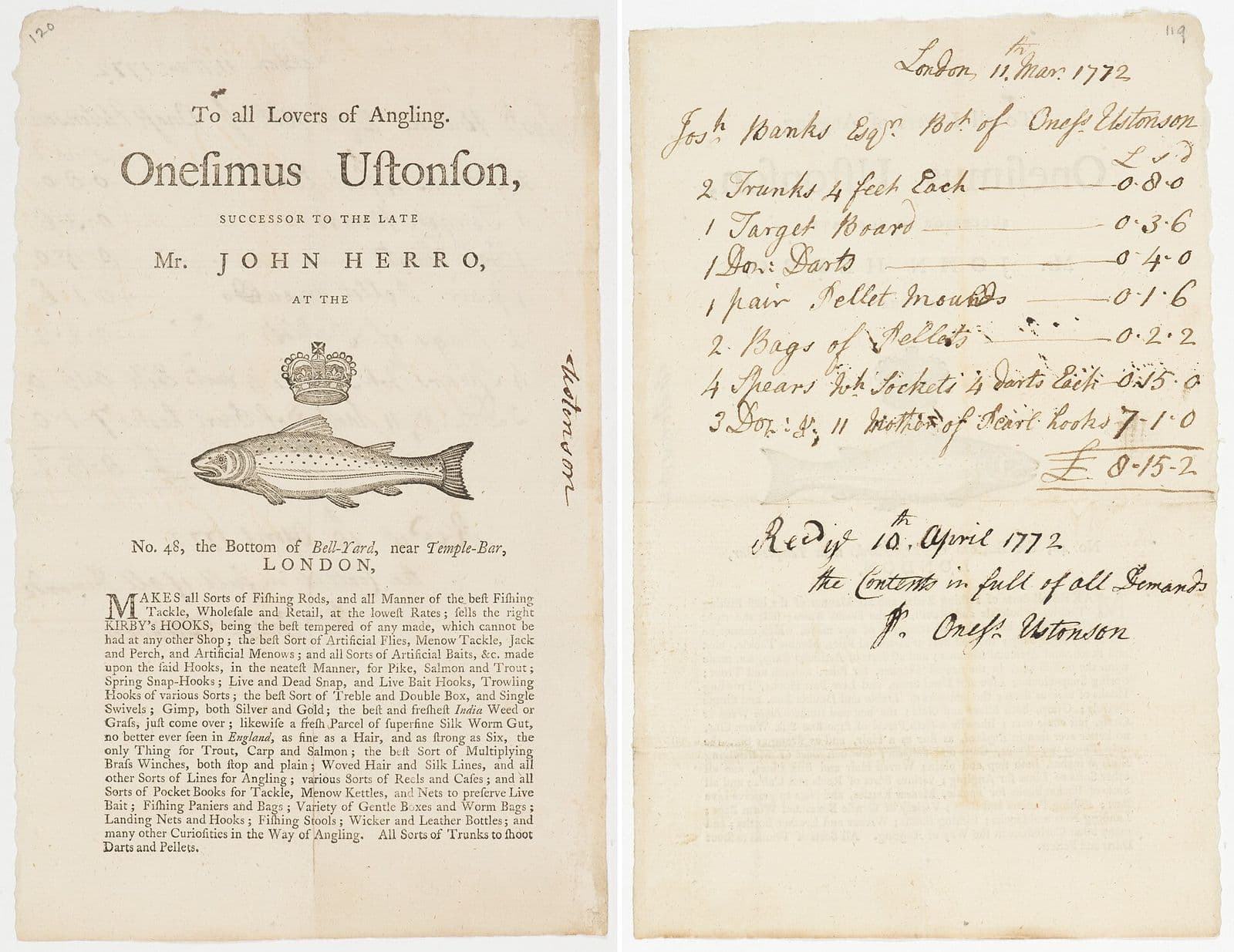
Receipts, invoices, order forms, delivery notes, application forms, and the odd ones only your business sees. Photographs and scans, tidy or crumpled. You don’t need a different tool for each kind.
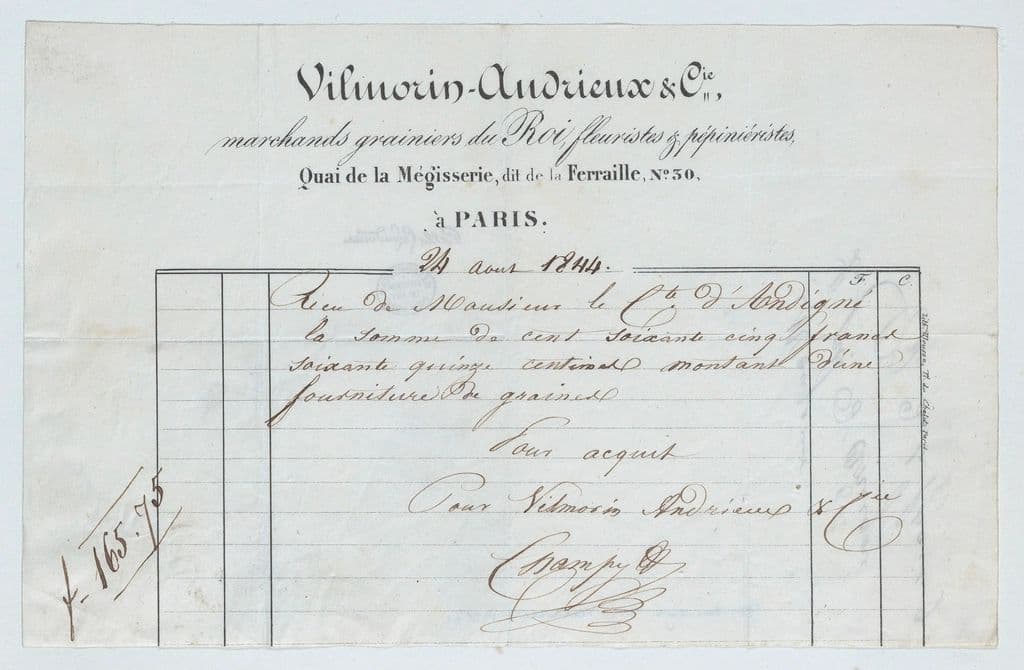
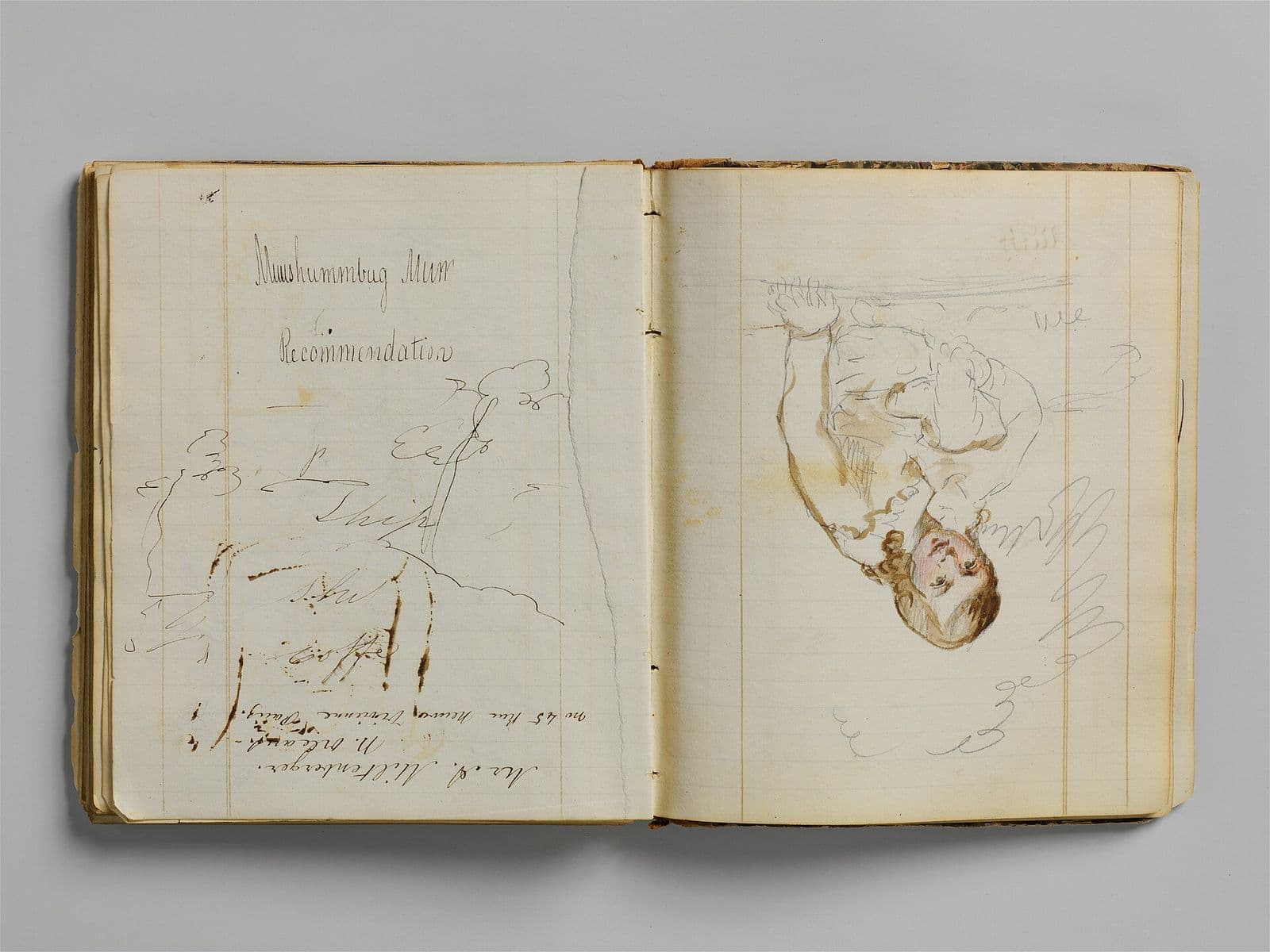
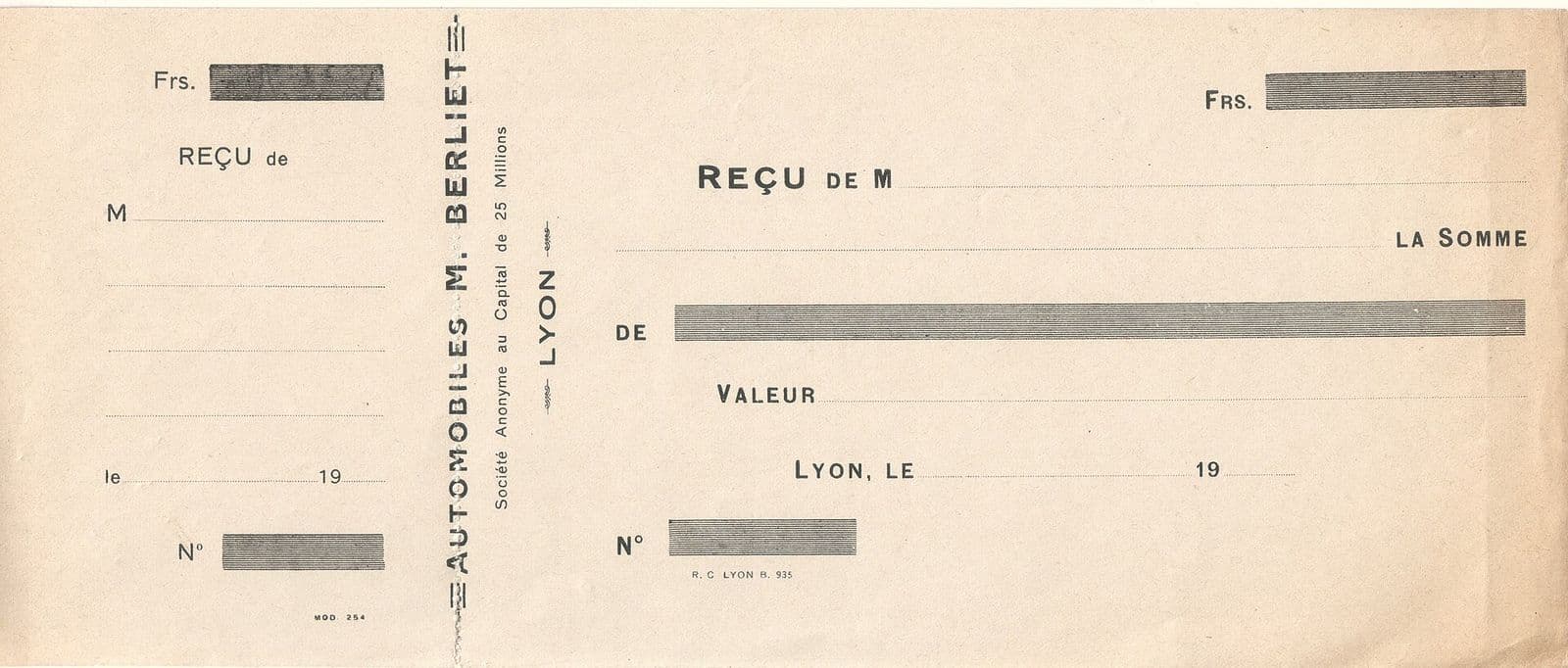
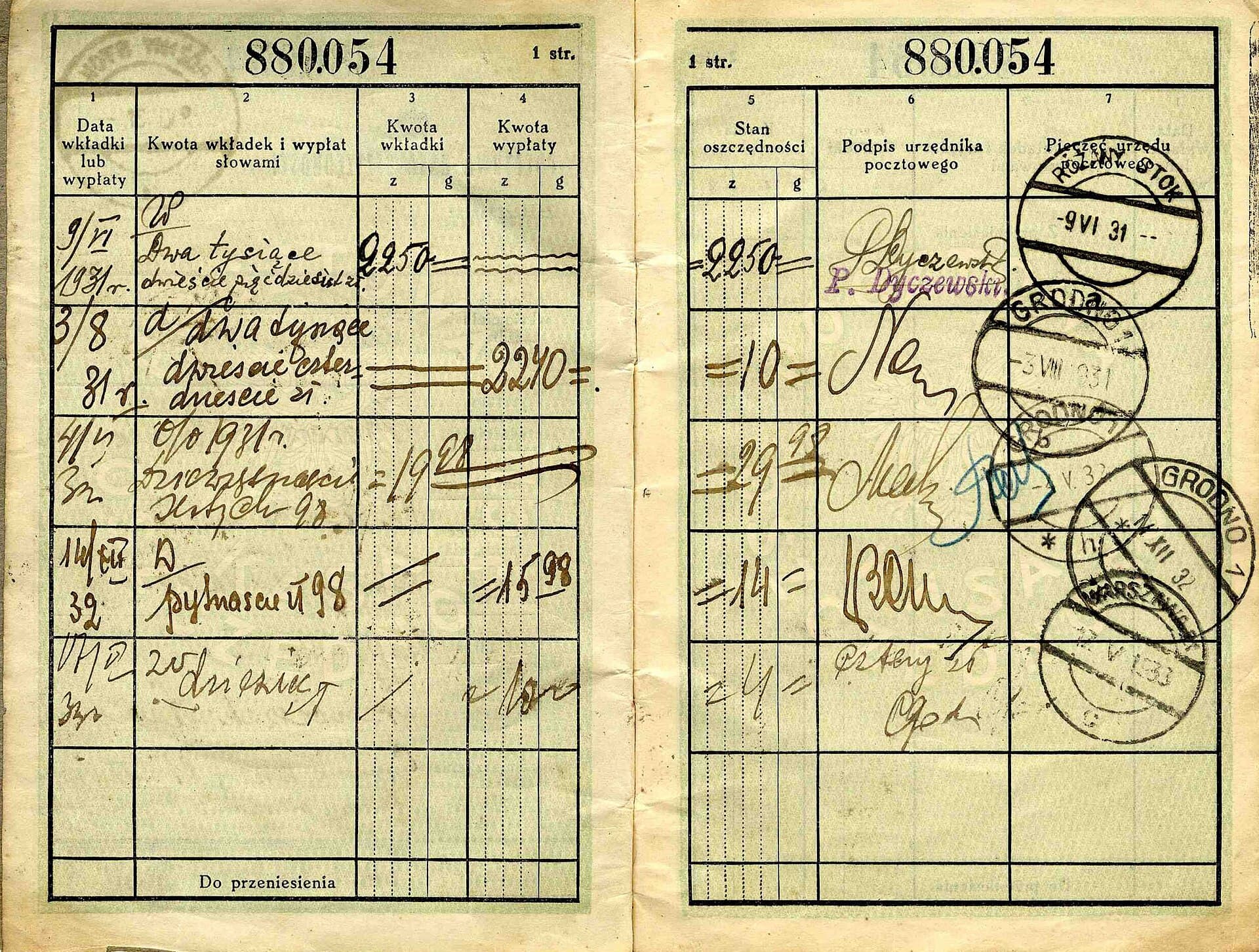
Columns, handwriting, stamps and smudges. Paperwork rarely looks the same twice, so when Syruss can’t be sure of something it asks you.
When a document has been read and checked, its details are sent to the other systems your team uses, so nobody retypes anything. You choose what is sent and where, and you can see what was sent and when.
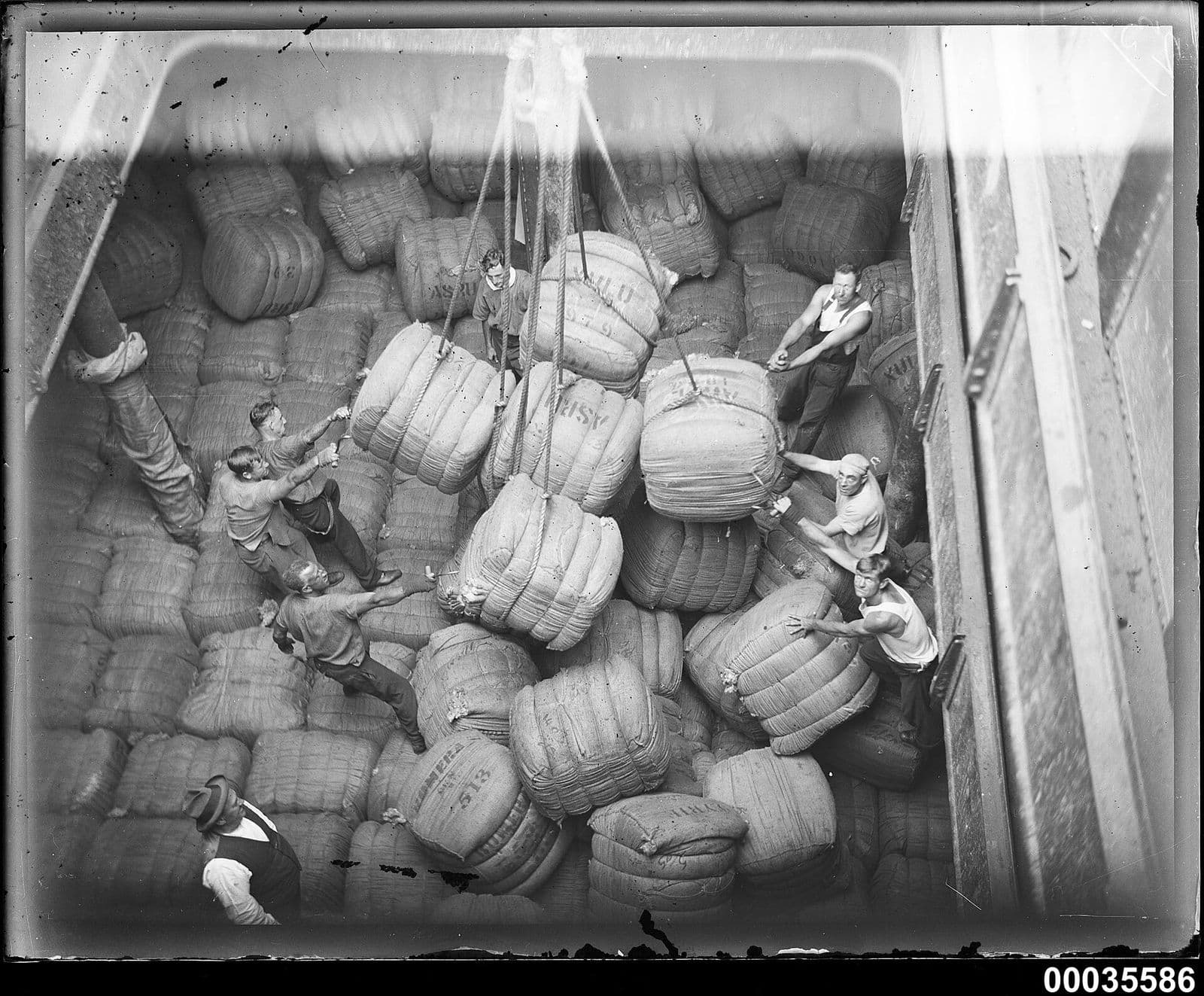
Each file is saved in Syruss next to the details taken from it. Open the original any time, see exactly what was read from it, and see who checked it. Nothing lives in an inbox or on someone’s desktop.
Type a question the way you would ask a colleague. Syruss looks through all your documents and answers.
Your questions are private to you. Nobody else in the workspace can read them.
What did we spend with Harbour Foods in March?
Looked through your documents
You spent 561.70 with Harbour Foods in March, across 3 receipts.
| Date | Document | Total |
|---|---|---|
| 3 Mar | receipt-0303 | 212.10 |
| 14 Mar | receipt-0314 | 48.60 |
| 27 Mar | receipt-0327 | 301.00 |
What people ask before they sign up, answered in full.
Receipts, invoices, order forms, delivery notes, application forms, handwritten notes and the odd ones only your business sees. Today they need to be photographs or scans saved as JPG, PNG, TIFF or WebP images. PDFs aren't supported yet.
It asks a person and keeps the answer, so the next document of that kind is checked against it. It never guesses a value and passes it on quietly.
Yes. Change the list once and new documents follow it. Syruss proposes the change and you approve it.
Wherever you point it: the systems your team already uses. Everything is also kept in Syruss, next to the file it came from.
Only the people you add to a workspace, each with a role you choose. Your questions to Syruss are visible only to you.
Send them an invitation link, or let Syruss email it. It is for one email address, works once and expires after a week.
Yes, or with an email and password. A new browser asks for a code we email you, and you can add two-step verification too.
Create your account, make a workspace and show Syruss a few examples.